
Defense Ledger and War Stats
Understand how automatic defense tracking logs attacks on your village and measures performance.
Every attack on your village that BaseTrace saved, with stars and destruction.
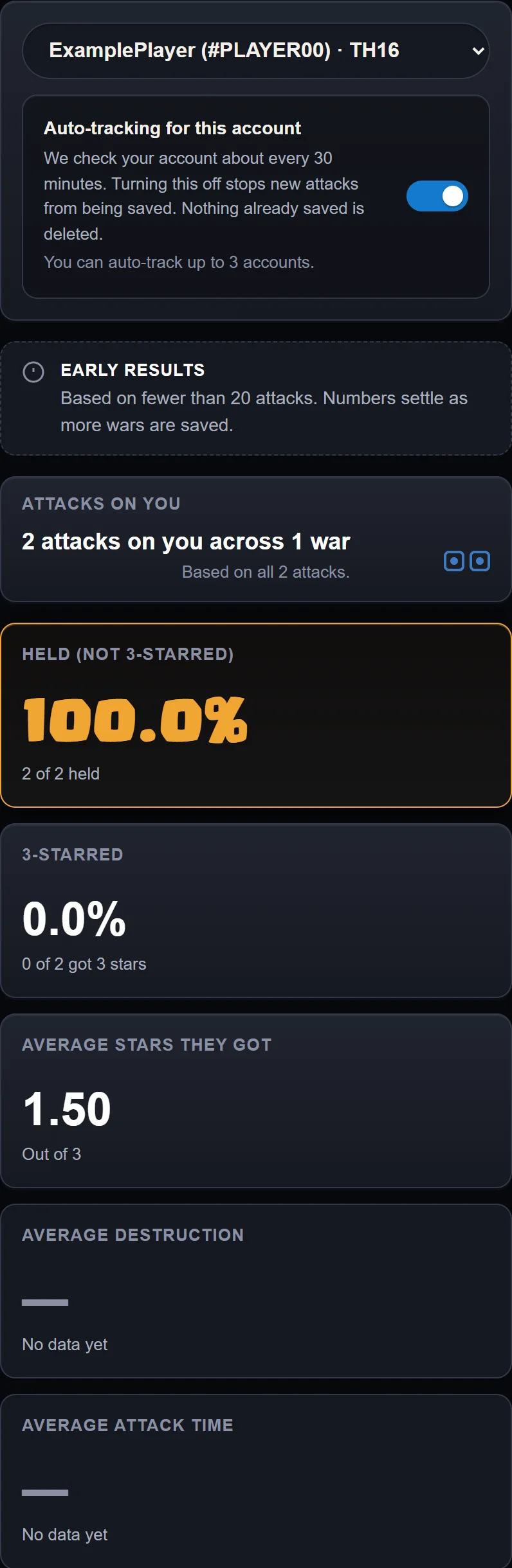
Example data. The top of the Defense Ledger at phone width, with the toggle, the Early results note and the summary cards.
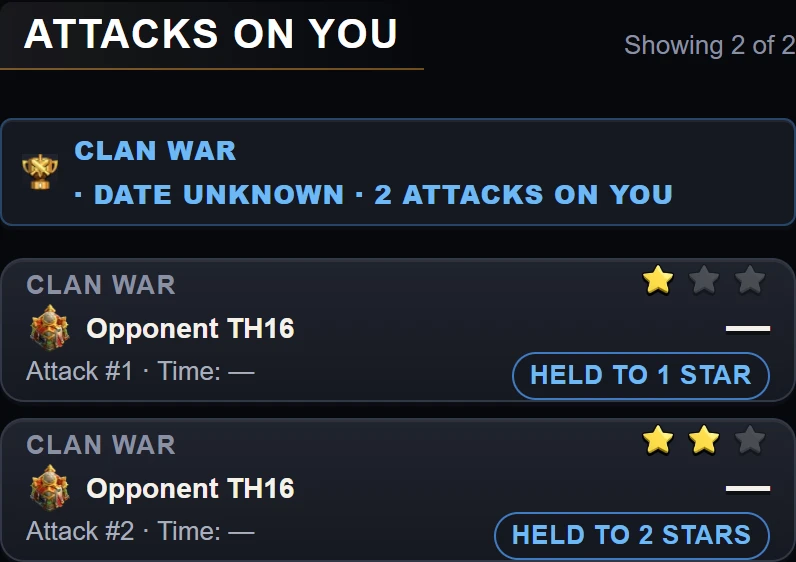
Example data. Two attack rows in the feed at phone width, each with its held badge.
How Auto-Tracking Works
Turn on auto-tracking
In the Defense Ledger, turn on Auto-tracking for this account.
BaseTrace checks the account about every 30 minutes. You can track up to 3 accounts. Turning this off stops new attacks from being saved. Nothing already saved is deleted.
Read your defense summary metrics
The summary shows:
- Held (not 3-starred): Share of attacks where the enemy failed to score 3 stars.
- 3-starred: Share of attacks that scored 3 stars.
- Average stars they got: Mean stars conceded per enemy attack, out of 3.
- Average destruction: Mean share of your base destroyed.
- Average attack time: Mean duration for each attack.
Inspect the attack feed
The Attacks on you section lists incoming raids.
Each attack shows the stars, destruction and attack time.
Early results means the summary is based on fewer than 20 attacks. Numbers settle as more wars are saved.