
How to Find and Copy a Base
Filter by Town Hall level, review the war defense stats, and copy the layout into your game.
You do not need an account to browse the gallery. Browse and filter the public cards, then copy a layout link for free.
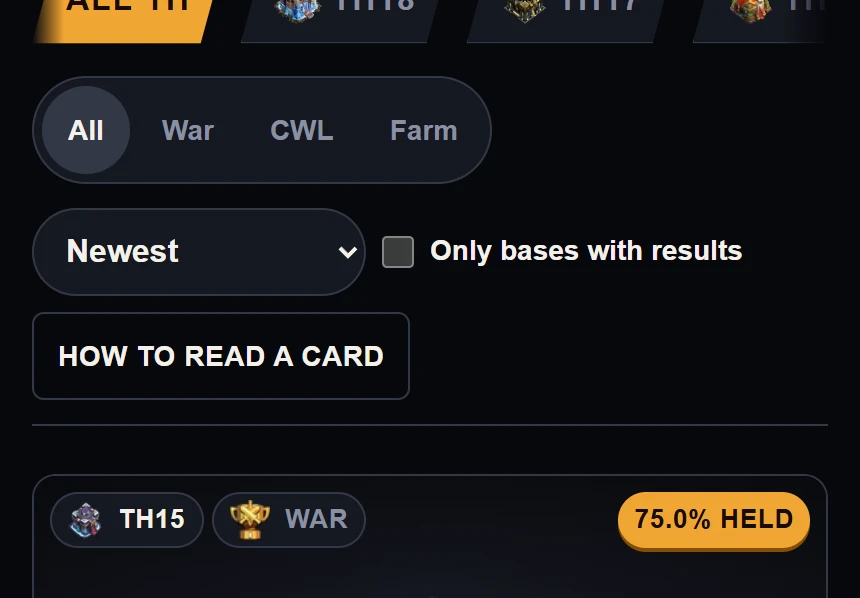
Example data. The gallery filters at phone width, with the Town Hall tab strip above the layout and sort controls.
Steps to Find a Base
Select your Town Hall level
Tap All TH or your Town Hall level on the tab bar. BaseTrace supports Town Hall 9 through Town Hall 18. The gallery refreshes to show bases for your level.
Choose layout type and sort order
Pick War, CWL, or Farm. Use the sort menu to order by Newest, Held most often, or Most results. You can also turn on Only bases with results.
Review the defense stats
Inspect the stats on each card before copying. How hold rate works explains the numbers.
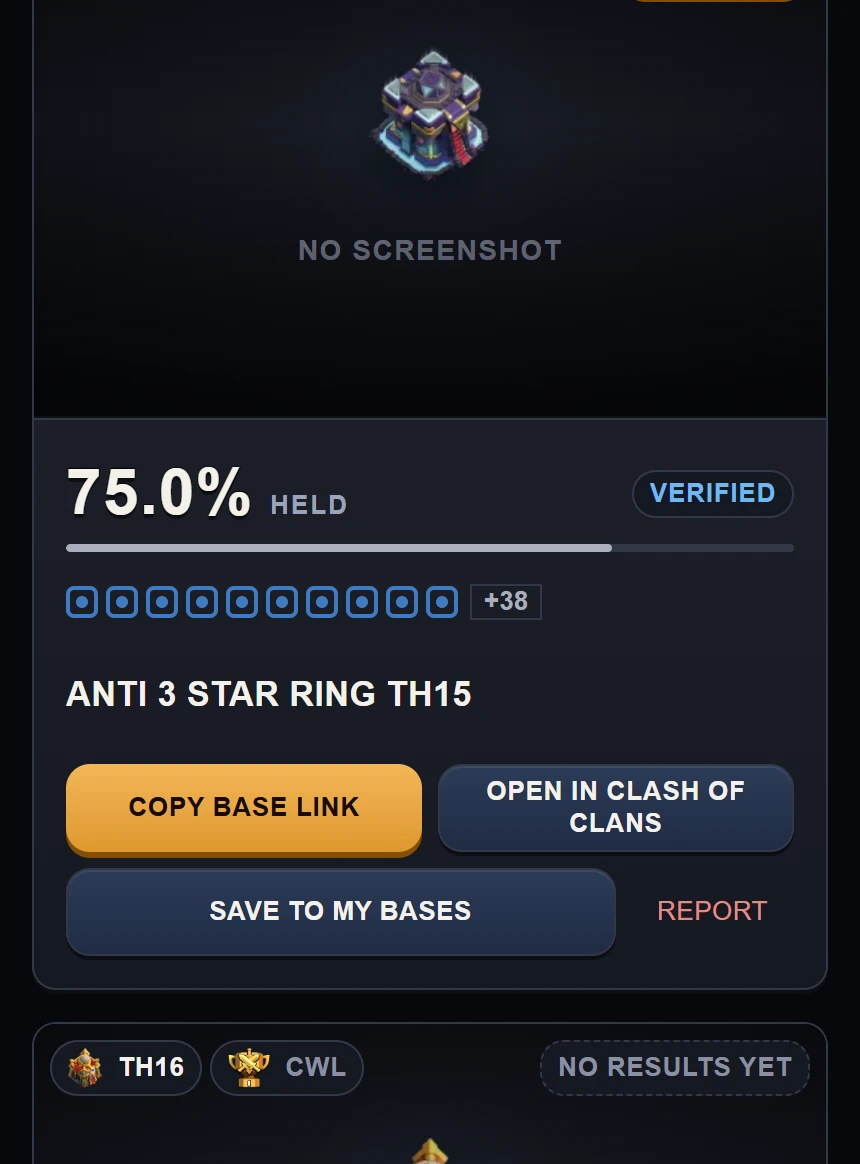
Example data. The card at phone width, with the held rate and count above the Copy base link button.
Copy the layout link
Tap Copy base link. The game layout URL copies to your clipboard. On a phone, open the link to import the base into Clash of Clans. If you copied it on a computer, send it to your phone first.
How hold rate works
The hold rate is the share of verified attacks that failed to 3-star the base. One verified player is enough to show the attack count and the stars.
A card with 1 or 2 verified attacks shows the hold rate and the count under it, marked First results. A card with 3 to 9 verified attacks shows a hold rate marked Early results. A card with 10 or more shows the full result.
On a base page, tap How this is counted under the results to read where the numbers come from.
Review verified defenses in the Defense Ledger or track your layouts in My Bases.